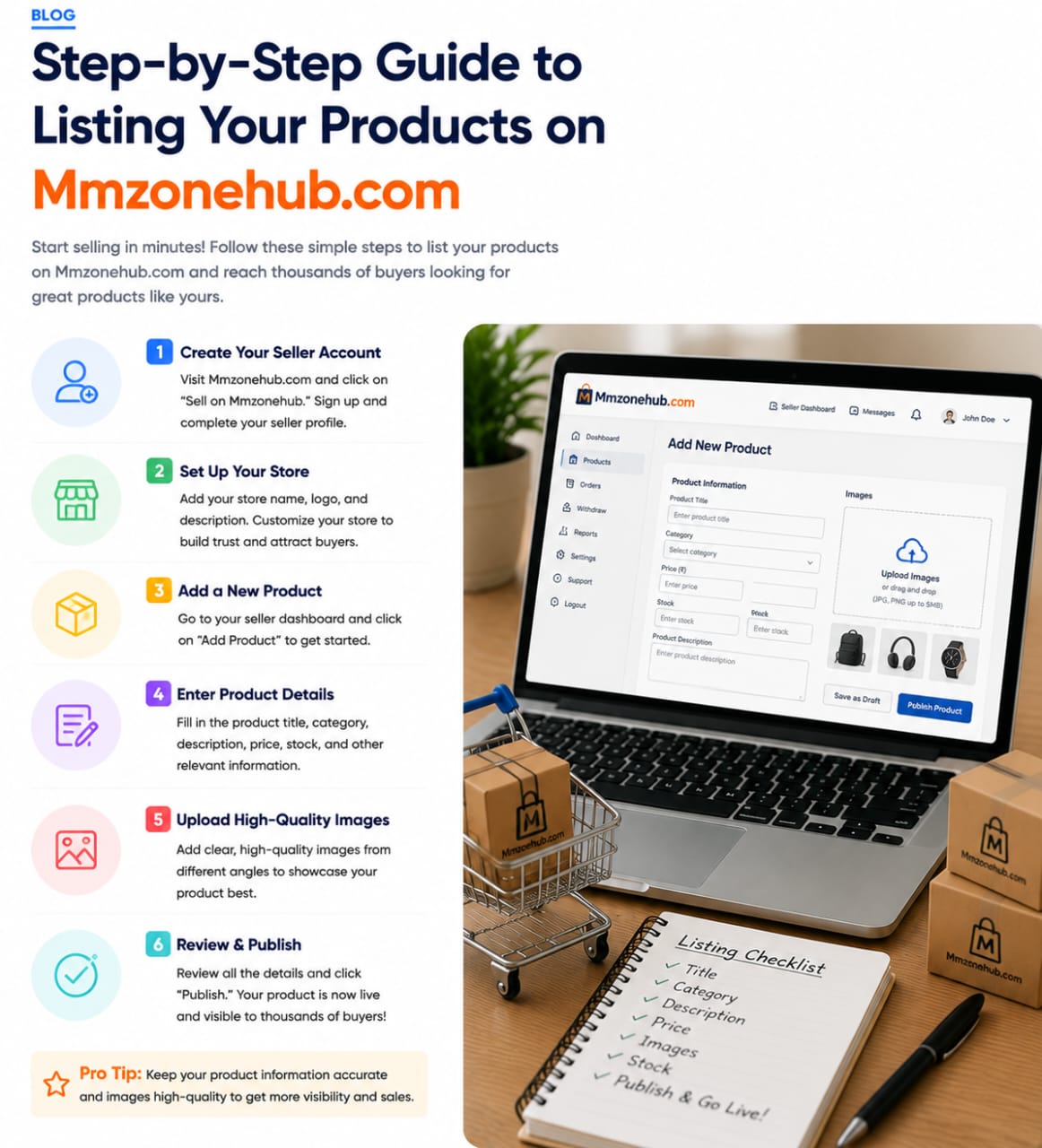
Start selling in minutes! Follow these simple steps to list your products on Mmzonehub.com and reach thousands of buyers looking for products like yours.
Create Your Seller Account
Visit Mmzonehub.com and click on “Sell on Mmzonehub.” Sign up and complete your seller profile.
Set Up Your Store
Add your store name, logo, and description. Customize your store to build trust and attract buyers.
Add a New Product
Go to your seller dashboard and click “Add Product” to get started.
Enter Product Details
Fill in the product title, category, description, price, stock, and other relevant information.
Upload High-Quality Images
Add clear, high-quality images from different angles to showcase your product in the best light.
Review & Publish
Review all the details and click “Publish.” Your product is now live and visible to thousands of buyers.
Pro Tip: Keep your product information accurate and images high-quality to get more visibility and boost sales.