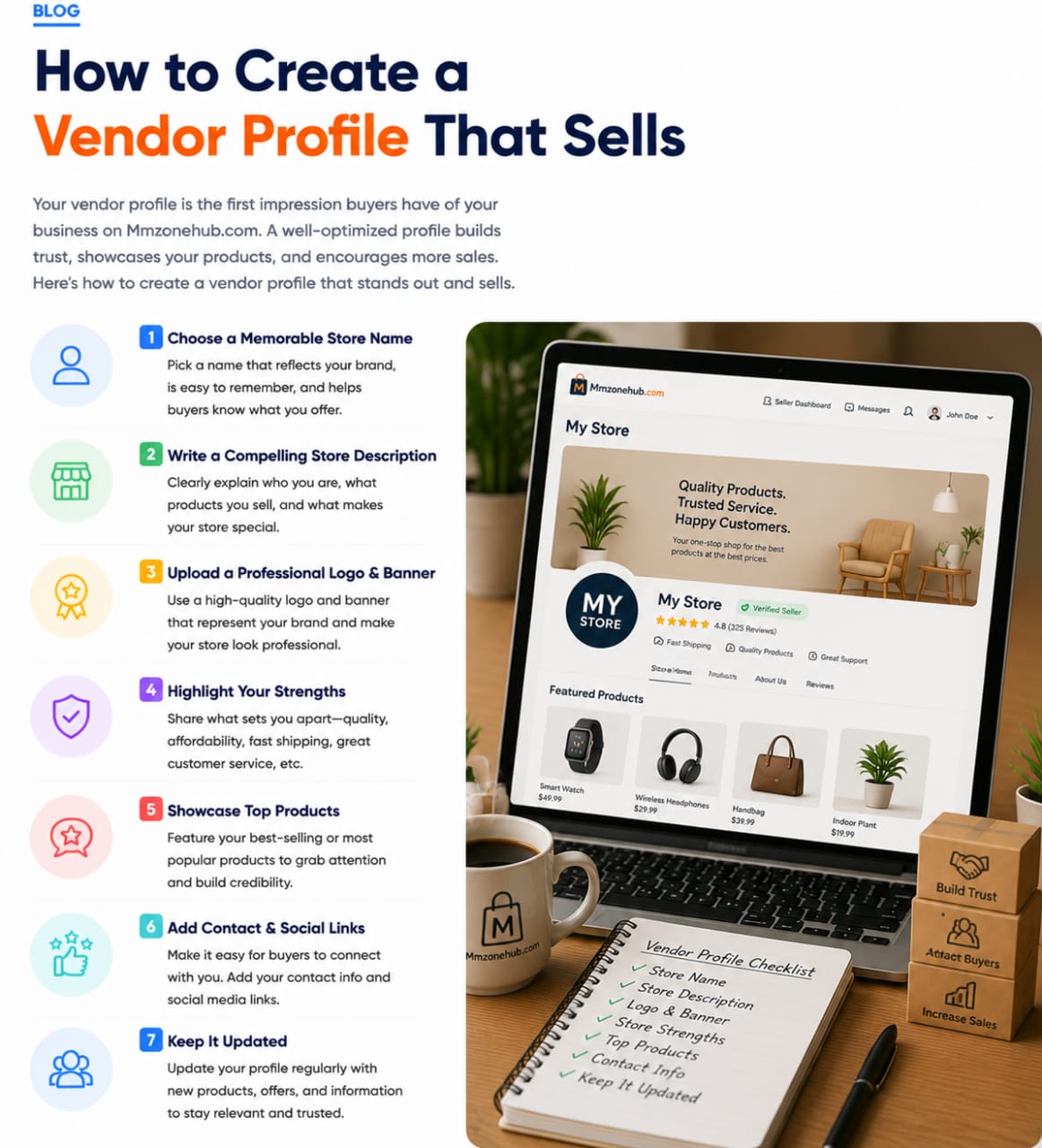
Your vendor profile is the first impression buyers have of your business on Mmzonehub.com. A well-optimized profile builds trust, showcases your products, and encourages more sales. Here’s how to create a vendor profile that stands out and converts:
Choose a Memorable Store Name
Pick a name that reflects your brand, is easy to remember, and lets buyers know what you offer.
Write a Compelling Store Description
Clearly explain who you are, what products you sell, and what makes your store special.
Upload a Professional Logo & Banner
Use a high-quality logo and banner that represent your brand and make your store look professional.
Highlight Your Strengths
Showcase what sets you apart—quality, affordability, fast shipping, excellent customer service, etc.
Showcase Top Products
Feature your best-selling or most popular products to grab attention and build credibility.
Add Contact & Social Links
Make it easy for buyers to connect with you. Include contact info and social media links.
Keep It Updated
Regularly update your profile with new products, offers, and information to stay relevant and trusted.